
Authorization header on every request.
Requests without a key are limited to data lookups, at 50 requests per 24 hours per IP address. This allowance is for evaluating the API before you create an account and is not compatible with production usage.
Managing API keys
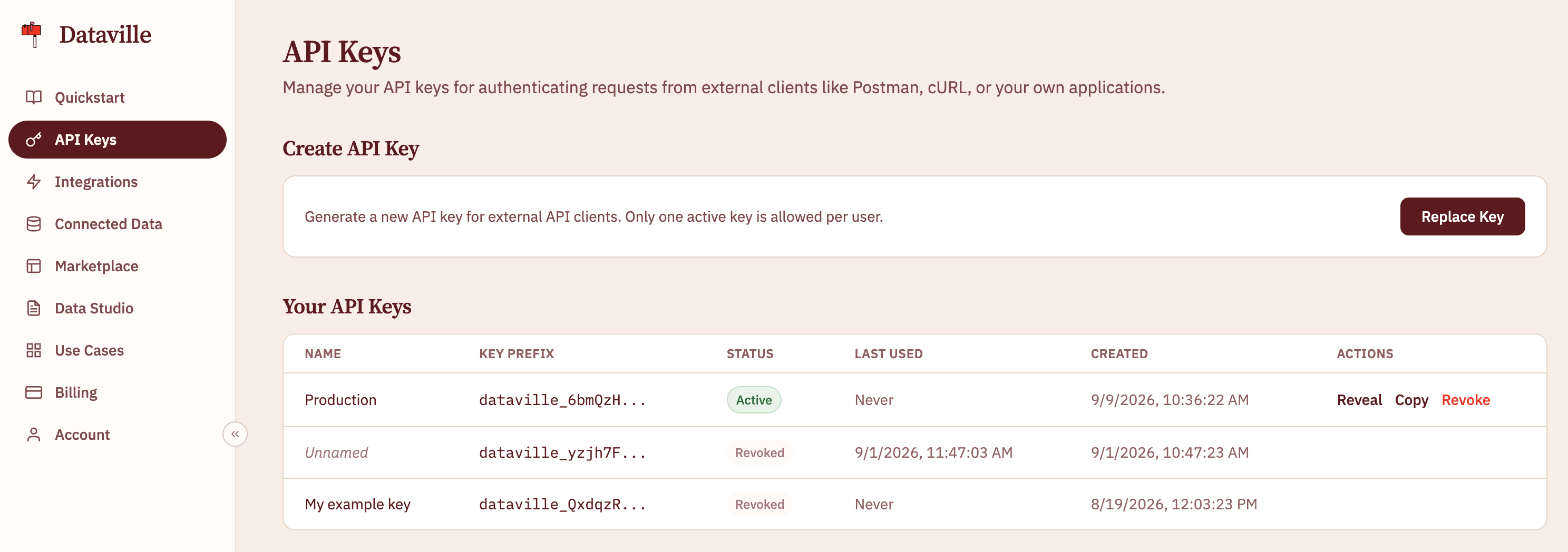
You can create and manage your API key on the API Keys page of the dashboard. Keys start withdataville_.
Sending the key
Send the key in theAuthorization header using the Bearer scheme:
Passing the key as a query parameter
Some clients cannot set request headers, including DuckDB’shttpfs extension and DuckDB WASM. These clients can pass the key in the token query parameter:
token parameter is accepted on data lookups, export downloads, and the MCP endpoint:
GET /{source}/{keywords}GET /https:/{wikipediaUrl}GET /api/v1/export/{source}GET /api/v1/export/dataville.db,dataville.csv.zip, anddataville.parquet.zipPOST /mcp
Authorization header when possible. Passing API keys as a parameter is supported purely for compatibility reasons and should not be considered best practice.