
LIMIT. See Plans and credits.
Querying in Data Studio
You can write and run a query in Data Studio without writing any code. Switch between Single Source and Cross Source, pick the sources you want, and start from one of the example queries or write your own. Run Query runs the statement and Data Studio lists the rows it returns.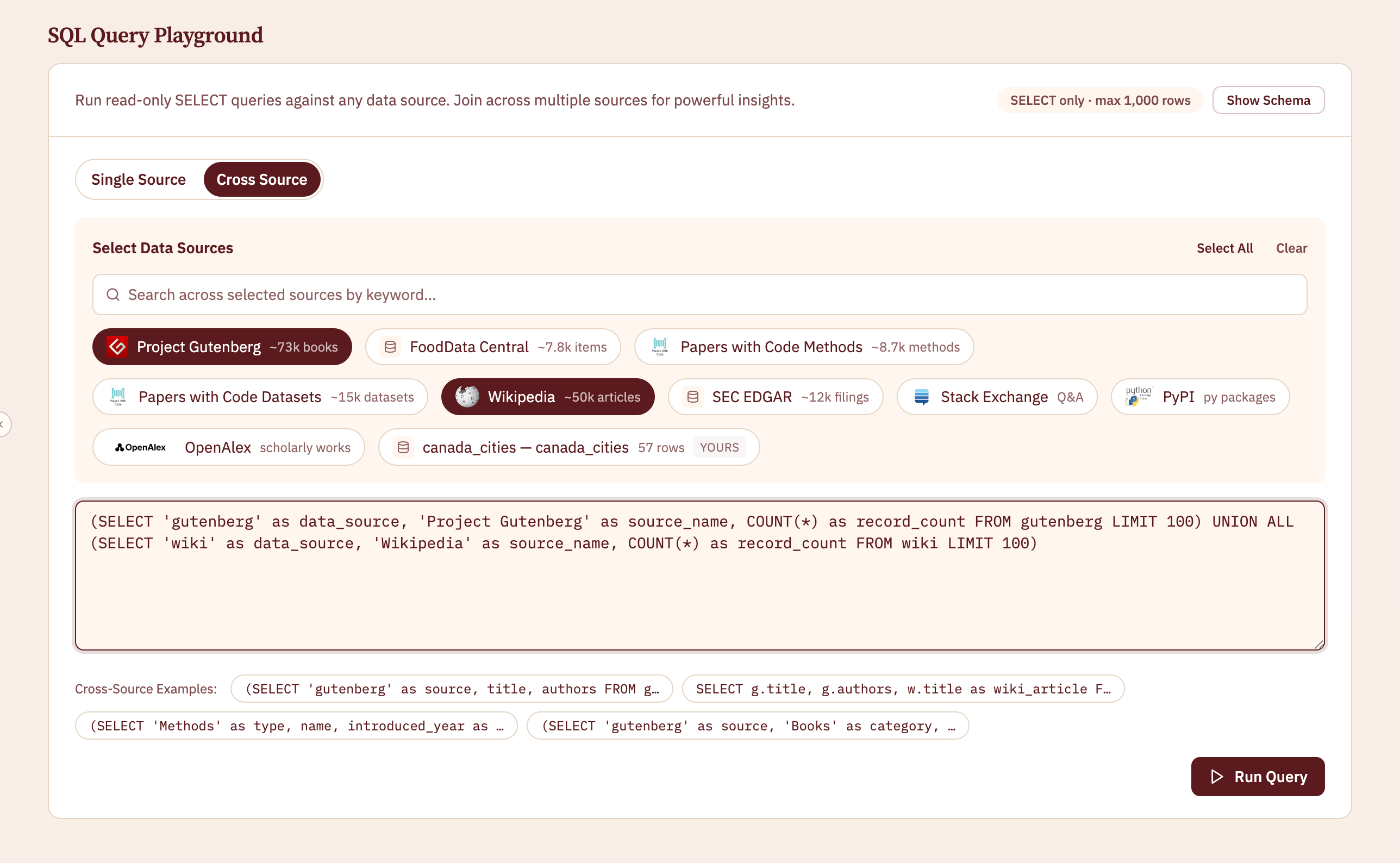
Querying from the API
Send a singleSELECT statement. Table names are the source names, and you can join a connected sheet in by passing its id and referencing it by its alias.
Run a SQL SELECT across the datasets
The endpoint, request body, and example responses.
Run SQL against one connected sheet
Query a single sheet on its own, without the public sources.
Limits
Data Studio and the API apply the same limits.
The hosted engine queries Dataville’s tables and your connected sheets. It cannot read files or URLs. To query your own files alongside Dataville’s data, or to work with more than 1,000 rows at a time, run DuckDB on your own machine and read Dataville’s Parquet over HTTP. See Reading Parquet without downloading.